













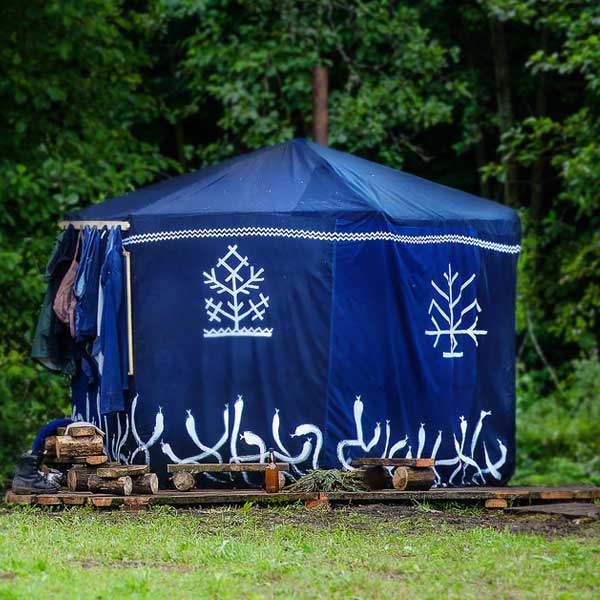
MJR XXIII PIRTYS DŪBURIO SALOJE
Juodaragio pirtis ir šiemet džiugins savo kaitra. Aplankyti festivalio pirtį šventės metu Dūburio ežero krante – nepamirštama patirtis.

ATMINTINĖ AUGINTINIŲ ŠEIMININKAMS
Kiekvienais metais dažną lankytoją į festivalį atlydi ir jo augintinis. Siekdami užtikrinti visų festivalio lankytojų saugumą bei smagų laiką renginyje, prašome atsakingai įsivertinti savo galimybes prižiūrėti atsivežtą gyvūną viso renginio metu.

MJR XXIII AMATŲ KIEMAS
Juodaragio Amatų kieme kviesime pažinti ugnimi gyvus amatus - kalvystę, keramiką, senąją kulinariją ir distiliaciją, metalų liejimą bei žengti žingsnį link naujųjų laikų ir šiuolaikinių amatų.


Prieš tai, kai pradėsime skelbti naujienas apie ateinančių, 2024 metų festivalį MĖNUO JUODARAGIS, kviečiame darsyk pasinerti į šiltus vaizdingus praėjusios vasaros prisiminimus: oficialus filmukas apie galingai grįžusį ir Dūburio saloje suošusį MJR XXII – jūsų dėmesiui! Tokiais atsiminimais dalintis išties džiugu ir miela!
 ŠAKOM AUKŠTYN!!!